ProductApr 2, 2026
Visual Studio Code Extension: Generate Valid Azure Resource Names in your IDE
The Azure Naming Convention Tool Visual Studio Code extension from Clovernance is officialy live.
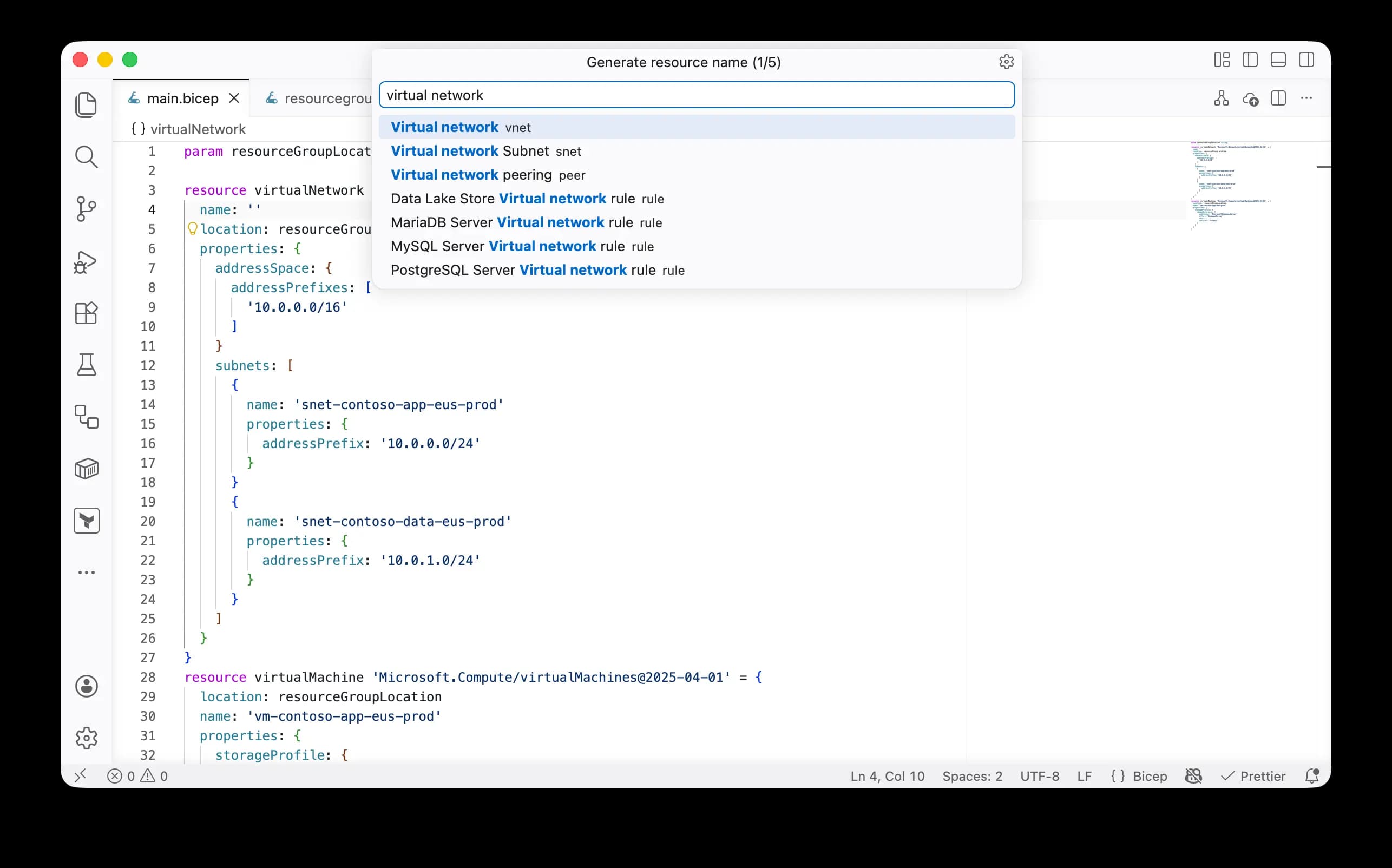
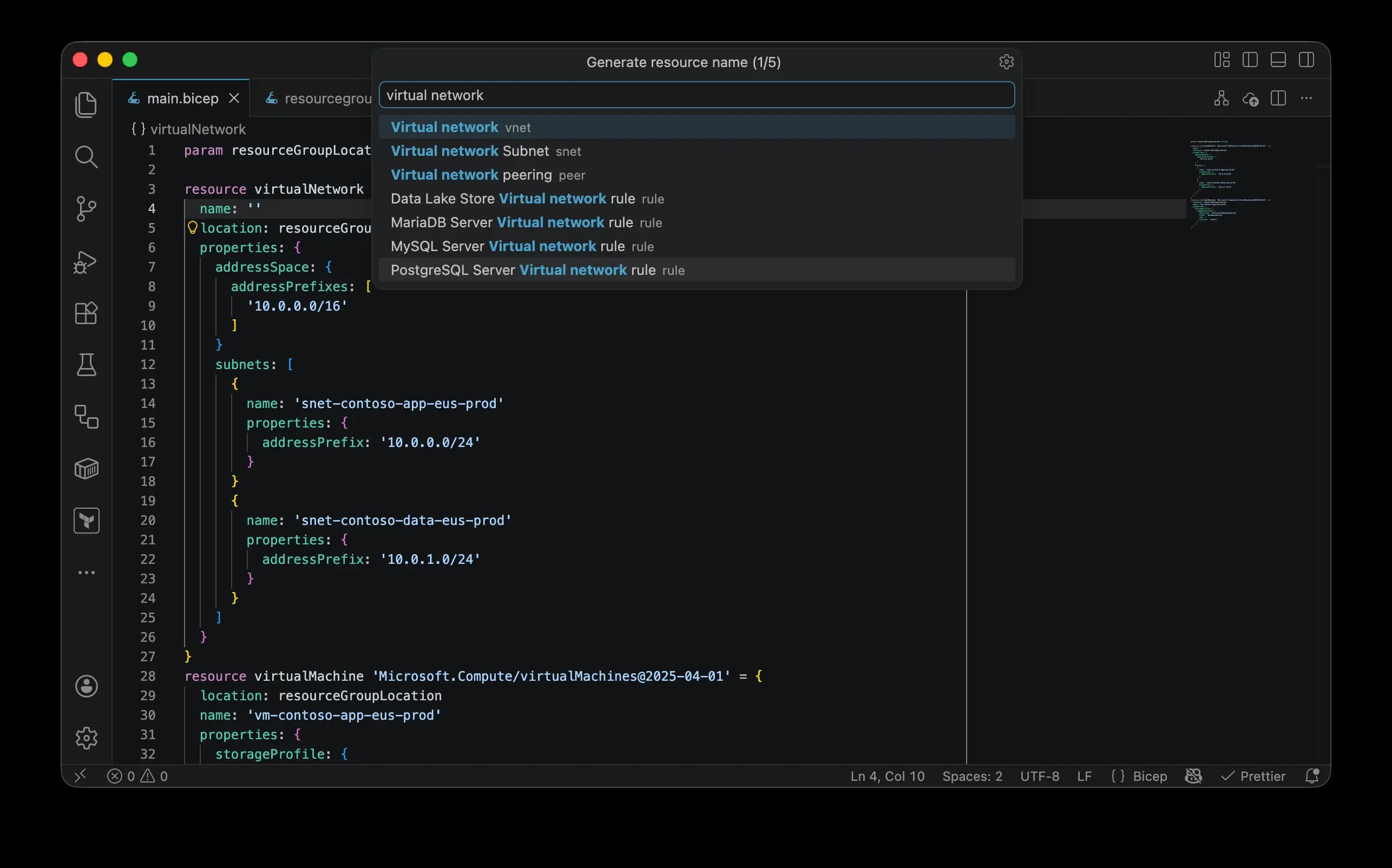
To make generating names for your Azure resources as convenient as possible, we created a Visual Studio Code extension for our Azure Naming Convention Tool. The extension allows you to use the customized projects you create on Clovernance and validate resource names before creation.
You can find the Azure Naming Convention Tool VS Code extension on the Visual Studio Code Marketplace
Requirements
Visual Studio Code 1.90 or newer (or editors compatible with VS Code 1.90+ APIs)
Quick start
- Create an account on Clovernance. Create a project and customize it to your organization's needs.
- Install the Azure Naming Convention Tool extension.
- Sign in to your Clovernance account in VS Code by opening the Command Palette (
Ctrl+Shift+Pon Linux/Windows andCmd+Shift+Pon Mac), and then typing in the command name:Sign In | Azure Naming Convention Tool | Clovernance. - Generate Azure resource names by opening the Command Palette (
Ctrl+Shift+Pon Linux/Windows andCmd+Shift+Pon Mac), and then typing in the command name:Generate Name | Azure Naming Convention Tool | Clovernance.
You are all set!
Let us know what you think. Any feedback, ideas, bug reports are welcome.